
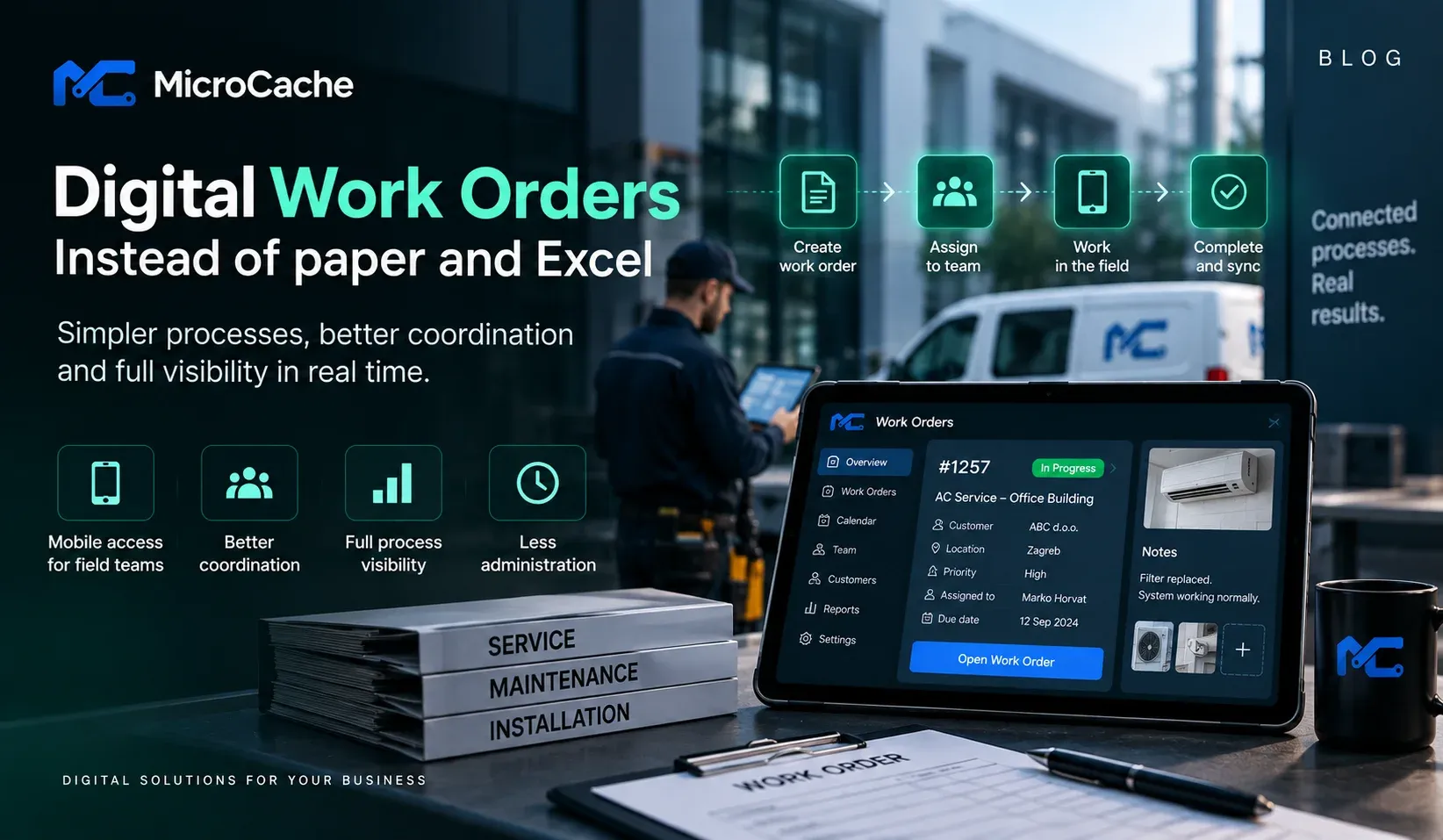
Digital Work Orders: How to Replace Paper and Excel
Paper forms and Excel spreadsheets are still part of everyday operations in many service, maintenance, and manufacturing companies.
A work order may be created in one system, printed for an employee, updated by hand, and later entered into another system.
In other companies, the process is spread across Excel files, emails, phone calls, and messaging applications.
Each individual step may work, but together they can make it difficult to know what has been completed, what is still waiting, and where important information is located.
What is a digital work order?
A digital work order keeps the information required to perform and track a job in one structured process.
Depending on the company, it may contain:
- customer or location
- assigned employee or team
- task description
- equipment or product information
- priority and deadline
- photos and documents
- materials used
- notes from the employee
- status and completion information
Employees can access the information from a computer, tablet, or mobile device instead of relying on printed documents.
What changes in practice?
Consider a maintenance company.
A customer reports a problem. Someone in the office creates a work order and assigns it to a technician.
Instead of calling the technician and sending additional information through messages, the technician receives the work order with the relevant details.
During the visit, the technician can update the status, add notes or photos, and record the work performed.
The office can see the current status without waiting for the paper document to return.
Once the work is completed, the information can be passed to another process such as invoicing, reporting, or inventory management.
The biggest benefit is not removing paper
Replacing paper with a screen is not, by itself, digital transformation.
The real benefit appears when information can move between processes without being repeatedly entered by employees.
For example:
Customer request → Work order → Technician → Completed work → Invoicing
If employees still need to manually copy the same information at every step, the process is only partially digital.
Can it work with existing business software?
Often, yes.
A digital work order solution does not necessarily require replacing an ERP, CRM, or accounting system.
The better approach may be to connect the new workflow with the systems already used by the company.
For example, customer information can come from a CRM, product information from an ERP, while completed work can be returned to the appropriate system for further processing.
The available options depend on the software and integrations already in place.
Where can automation and AI help?
Not every step requires AI.
Simple rules and integrations are often enough for assigning tasks, changing statuses, sending notifications, or transferring structured information between systems.
AI becomes more useful when employees need to work with unstructured information.
For example, it can help summarize a long service history or find relevant information in technical documentation.
The technology should be selected according to the problem rather than added simply because AI is available.
When should a company consider digital work orders?
A useful starting point is to look for processes where:
- information is entered multiple times
- employees regularly search for missing information
- paper needs to be transferred between locations
- managers have limited visibility into work status
- completed work must be manually prepared for the next business process
Before implementing a solution, the existing workflow should be mapped from beginning to end.
Only then can the company determine which steps should be digitized, automated, integrated, or left unchanged.
At MicroCache, we help companies analyse these workflows and build integrations and digital solutions around the systems they already use.