
How to Automate Orders Received by Email and PDF?
Many companies still receive customer orders through email, often as PDF documents, Excel files, or simply as text in the message.
An employee opens the order, identifies the customer and products, checks the information, and manually enters everything into an ERP or another business system.
When this happens occasionally, it may not be a problem. When a company processes dozens or hundreds of orders, the same repetitive work can consume a significant amount of time and create opportunities for errors.
What can be automated?
A modern document processing workflow can automatically monitor incoming orders and extract relevant information such as:
- customer details
- product names and codes
- quantities
- delivery information
- order numbers
- additional notes
The extracted information can then be validated against existing business data and prepared for import into an ERP, CRM, or another internal system.
The employee does not have to disappear from the process. Instead of manually entering every field, they can review the prepared order, correct anything that requires attention, and approve it.
What does the process look like?
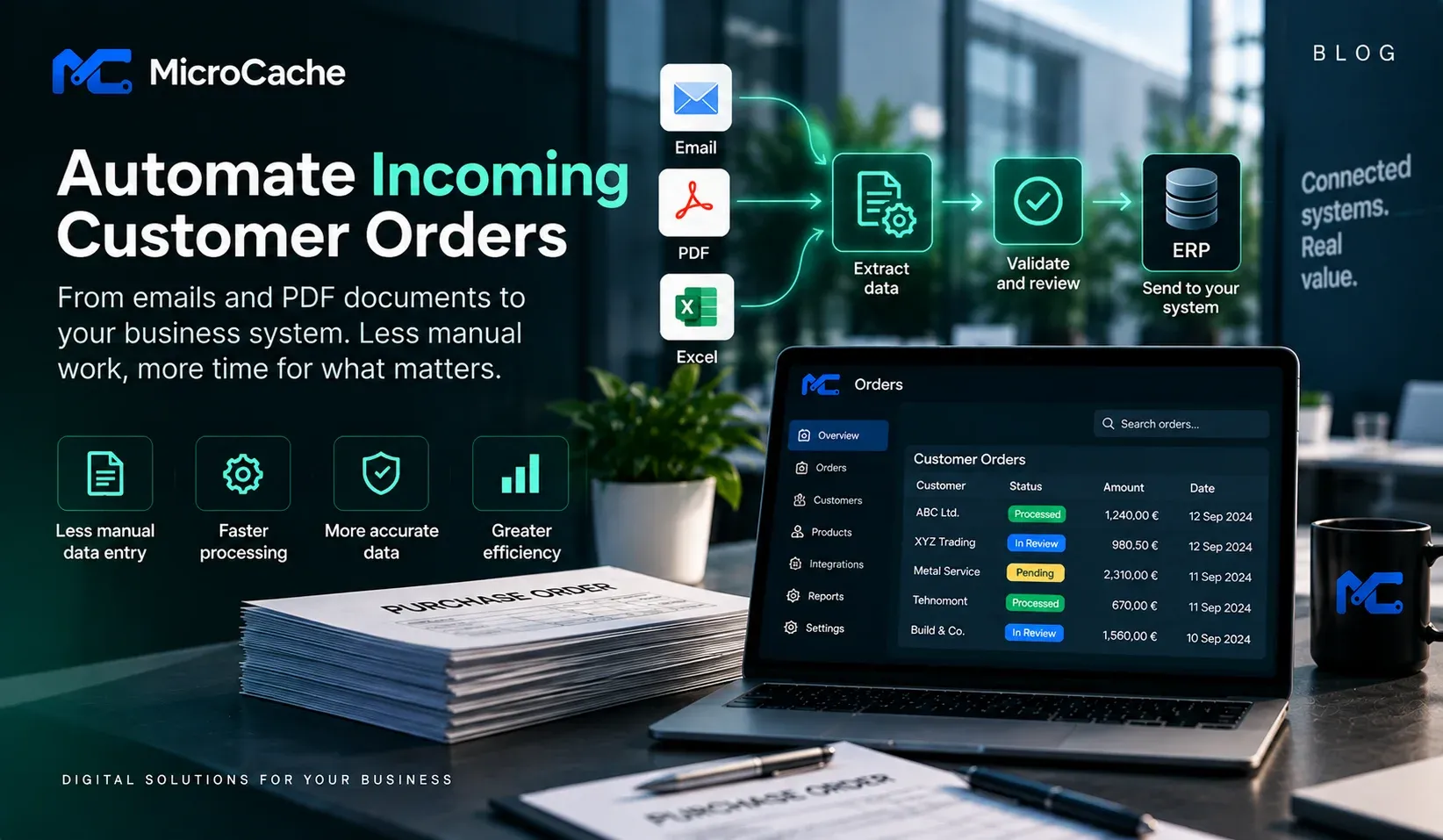
A typical workflow could look like this:
1. An order arrives by email
A customer sends an email containing a PDF purchase order.
2. The system reads the order
Relevant information is extracted from the email and attached documents.
3. Business data is validated
Product codes, customer information, quantities, and other fields can be compared with data from existing systems.
4. Exceptions are flagged
If a product cannot be identified or some information is missing, the order is sent for manual review instead of making assumptions.
5. The employee approves the order
After verification, the information can be transferred to the existing business system.
The goal is not necessarily to remove people from the process, but to remove unnecessary manual work.
Do you need to replace your existing ERP?
Usually, no.
Automation can often be built around the systems a company already uses. Depending on the available integrations, the solution can communicate with an ERP or another application through APIs, database integrations, file imports, or other supported interfaces.
This is particularly useful for companies that already have working business software but still have manual processes between different systems.
Where can AI help?
AI can be useful when incoming documents do not always follow the same structure.
Traditional automation works very well when every document contains exactly the same fields in exactly the same place. Real customer orders are often less predictable.
AI-assisted document processing can help interpret different document layouts and unstructured text.
However, important business information should still be validated against trusted company data. The system should not invent a product code, price, or delivery condition when reliable information is unavailable.
When does this type of automation make sense?
Automation is most valuable when the same manual process happens frequently.
Before implementing it, we recommend measuring:
- how many orders are processed each month
- how much employee time is spent per order
- how often corrections are required
- which systems are involved
- which steps require human decisions
This makes it possible to estimate whether automation is economically justified before building a larger solution.
Start with the process, not the technology
The first question should not be "Where can we use AI?"
A better question is:
Which repetitive processes consume our employees' time every week?
Sometimes the right solution is AI. Sometimes it is a simple integration between two existing systems. In many cases, it is a combination of both.
At MicroCache, we analyse existing business processes and identify where automation or system integration can remove repetitive work without unnecessarily replacing software that already works.